
The SPICE client for iPhone, iPad & Mac
Your desktops,
in your pocket
A native SPICE client for your Proxmox, QEMU and KVM virtual machines. Straight to your server: no account, no relay, no tracking.

Pay once, keep it forever. US$7.99, no subscription.
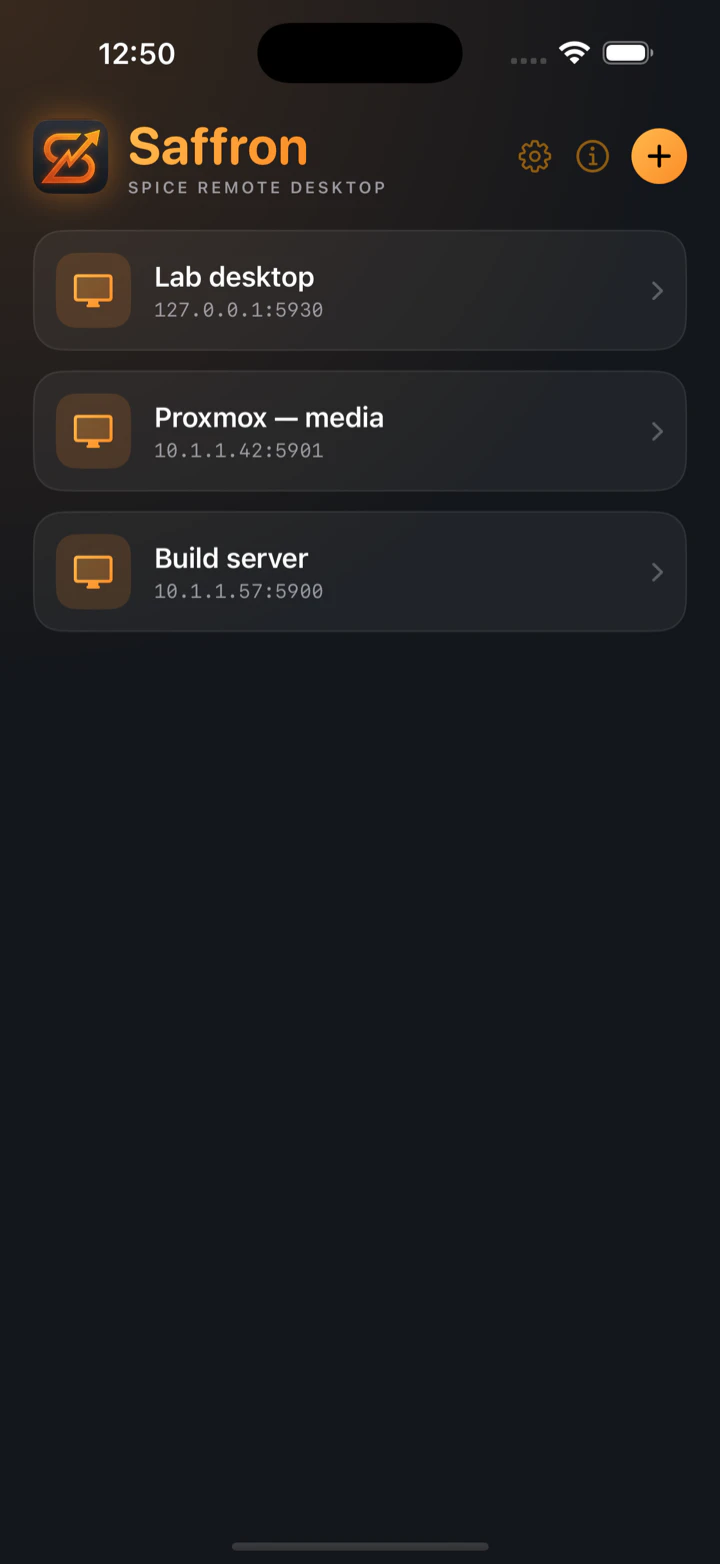
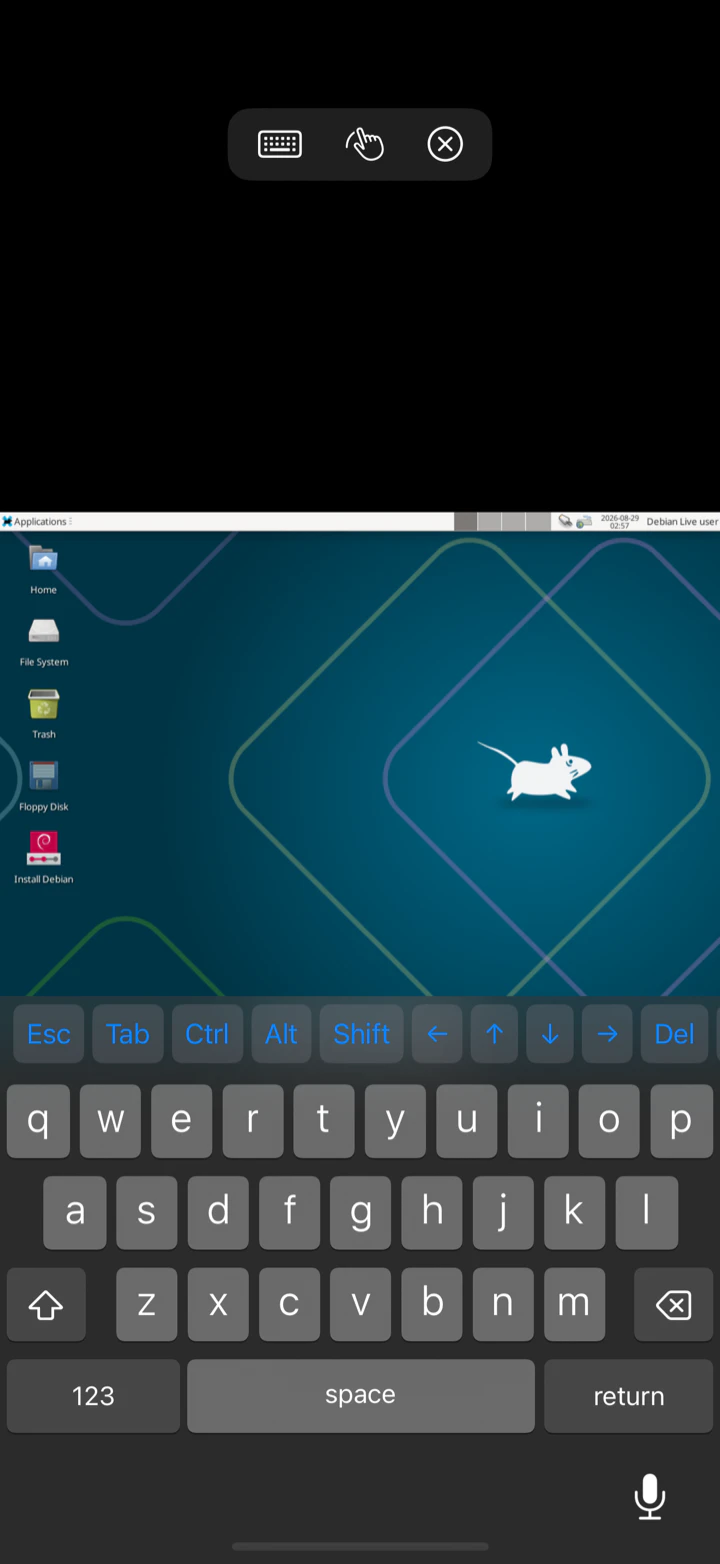
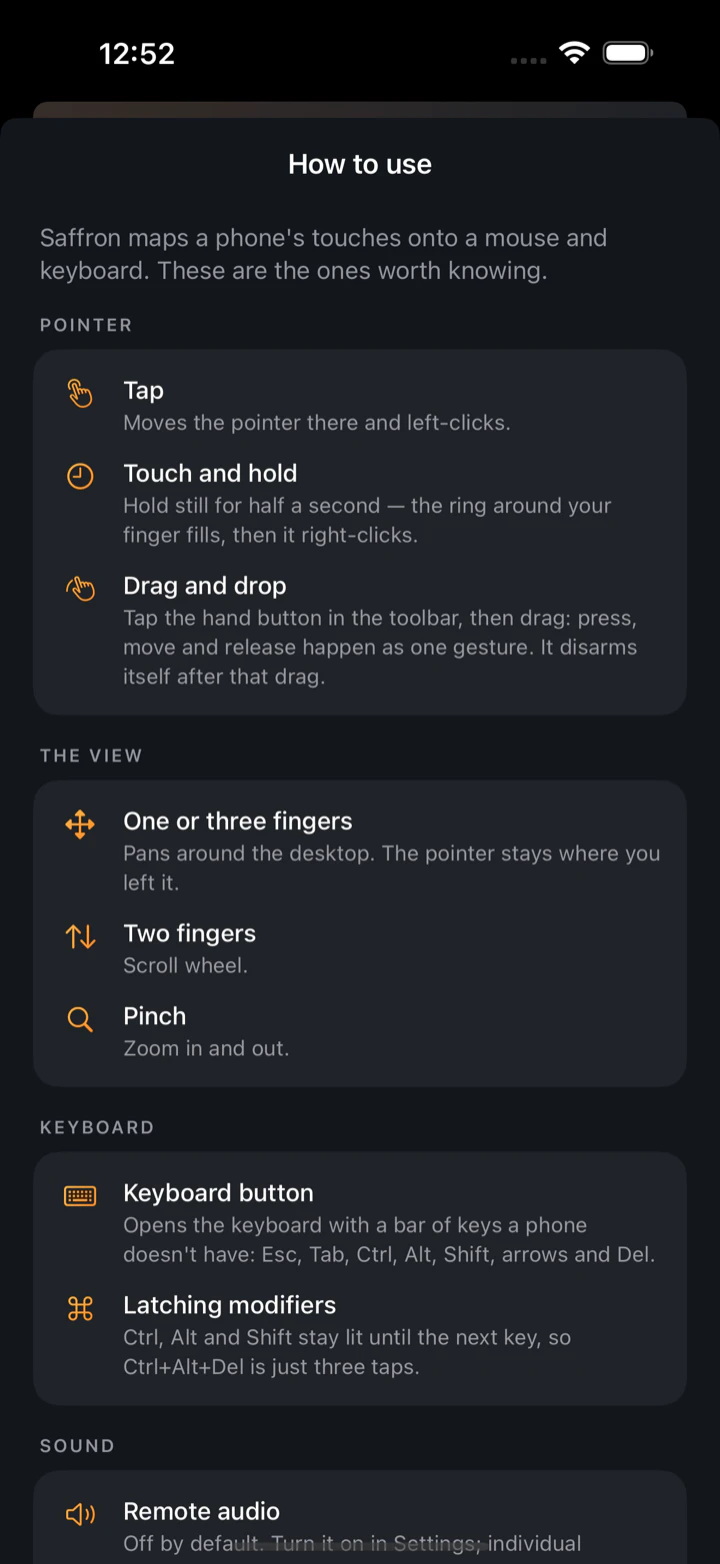
Running VMs on TrueNAS? Here’s the five-minute setup →
Built for a phone,
not squeezed onto one.
Touch that makes sense
Tap to click, hold to right-click, pinch to zoom. Drag mode turns your next swipe into a real press, move and release.
The missing keys
Esc, Tab and arrows sit above the keyboard. Modifiers latch, so Ctrl+Alt+Del is three taps.
Native speed
Metal rendering, SPICE spoken directly. No web wrapper, no gateway, no middle-man server.
Private by default
Your device talks straight to your server. Passwords stay in the Keychain. No account, no telemetry.
Leave the laptop at home
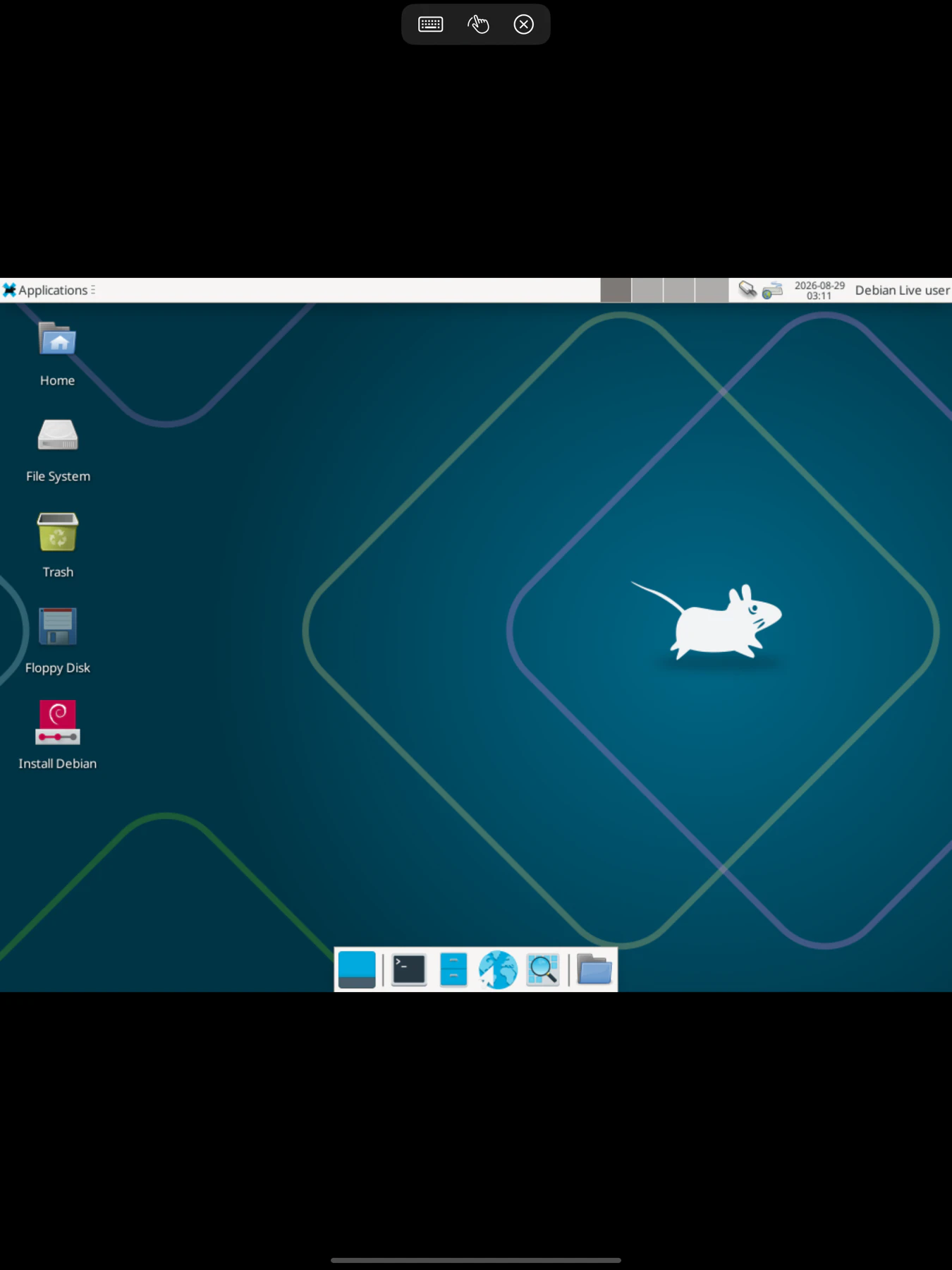
An iPad, a keyboard and Saffron is a workstation for every machine you run.
And when you are at the desk
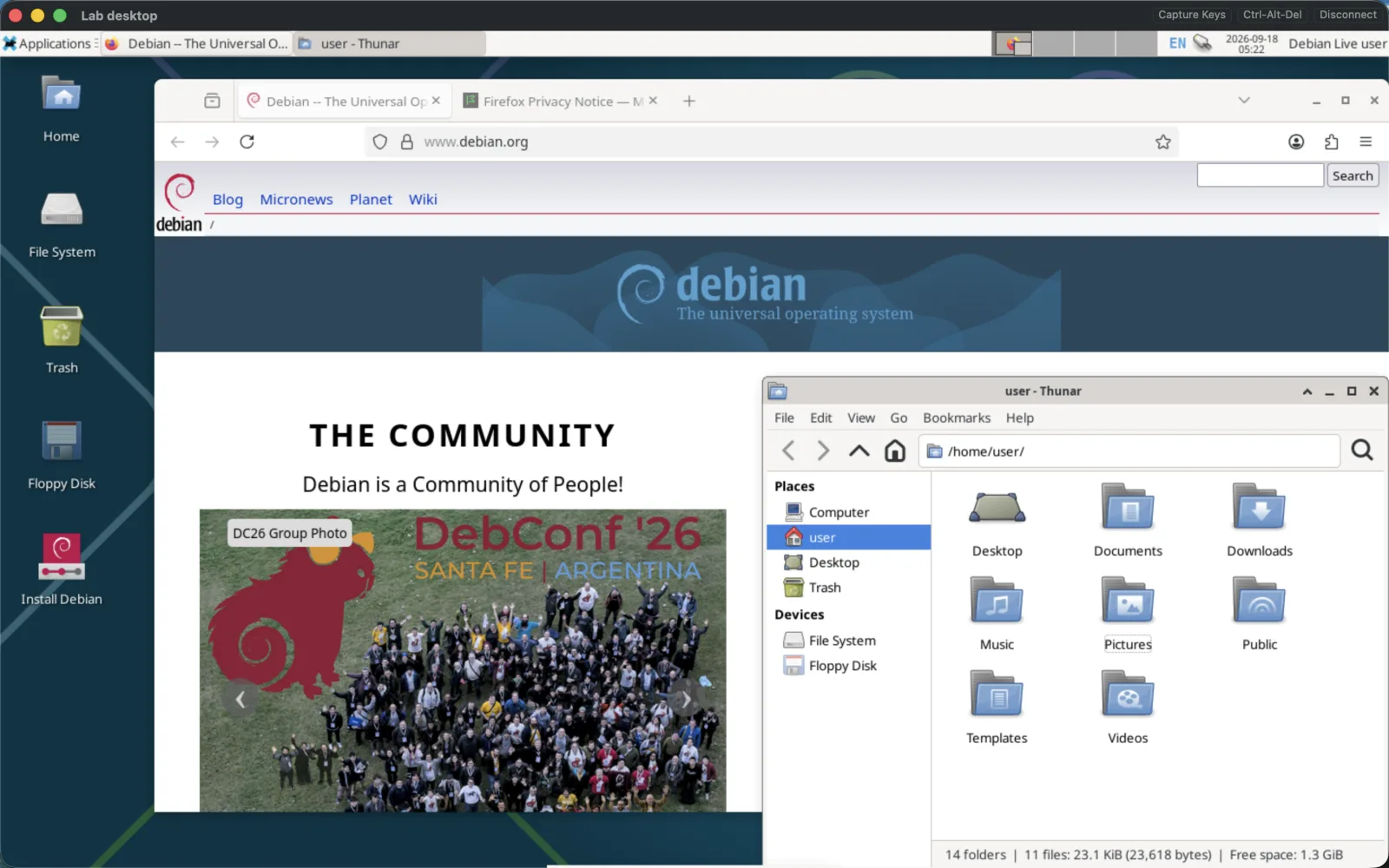
The same client on your Mac. Every VM in its own window tab. Capture the keyboard and Cmd-Tab, Cmd-Space and Ctrl-arrows land in the guest, not on your Mac. Every mouse button, including the middle one. Clipboard both ways.
One purchase covers iPhone, iPad and Mac. Buy it on either store and it is yours on all three.
Apple silicon, macOS 13 or later.
Everything it does on a Mac →
Pay once.
US$7.99 on the App Store, once. Yours on iPhone, iPad and Mac, forever. No subscription, no account, no upsell.