
The SPICE client for Mac
Every VM,
a real Mac window.
A native Mac app that speaks SPICE straight to your QEMU, KVM and Proxmox virtual machines. No Homebrew, no GTK, no XQuartz.

US$7.99 once, and it’s yours on iPhone and iPad too. Apple silicon, macOS 13 or later.
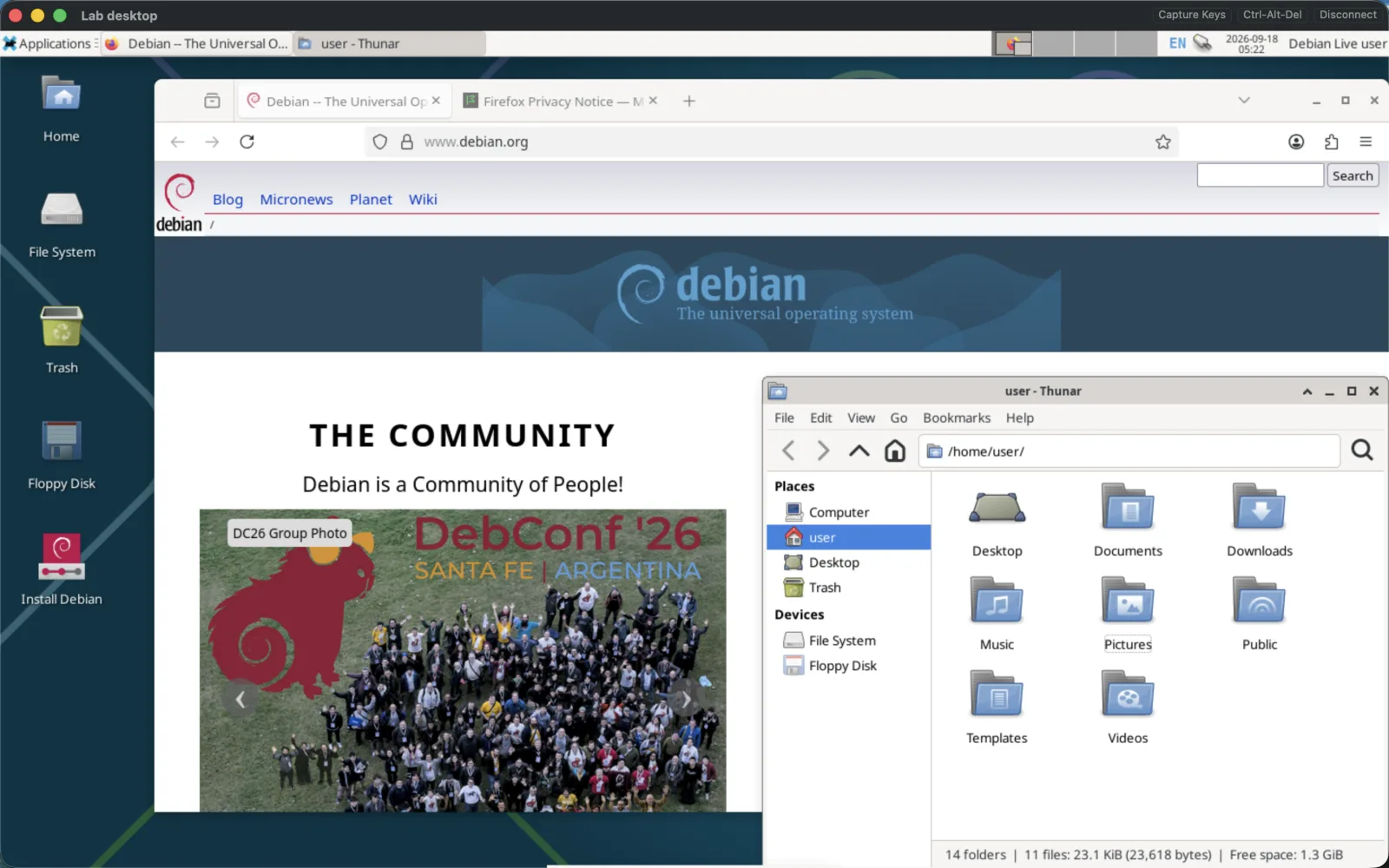
A Mac app,
not a port of one.
Every VM in a tab
Each machine opens in its own window, and they gather into native macOS tabs. Your machines, one click apart.
The whole keyboard
Click Capture Keys and Cmd-Tab, Cmd-Space and Ctrl-arrows land in the VM, not on your Mac. Cmd-Option lets go. Ctrl-Alt-Del has its own button.
Every mouse button
Left, right, middle, back and forward, drags included. Smooth scrolling on a trackpad or a wheel, and one cursor on screen: the guest's.
Clipboard both ways
Copy in the VM, paste on your Mac, and the other way round. Text and images. Install spice-vdagent in the guest and it just works; on plain QEMU, add the SPICE agent channel too.
Sound and mic, when you want them
Hear the VM and forward your microphone. Off until you switch them on in Settings, and any connection can opt out.
Crisp on Retina
Metal rendering, scaled to your window. Stretch the desktop to the window's width, or fit all of it in.
Add a machine in ten seconds
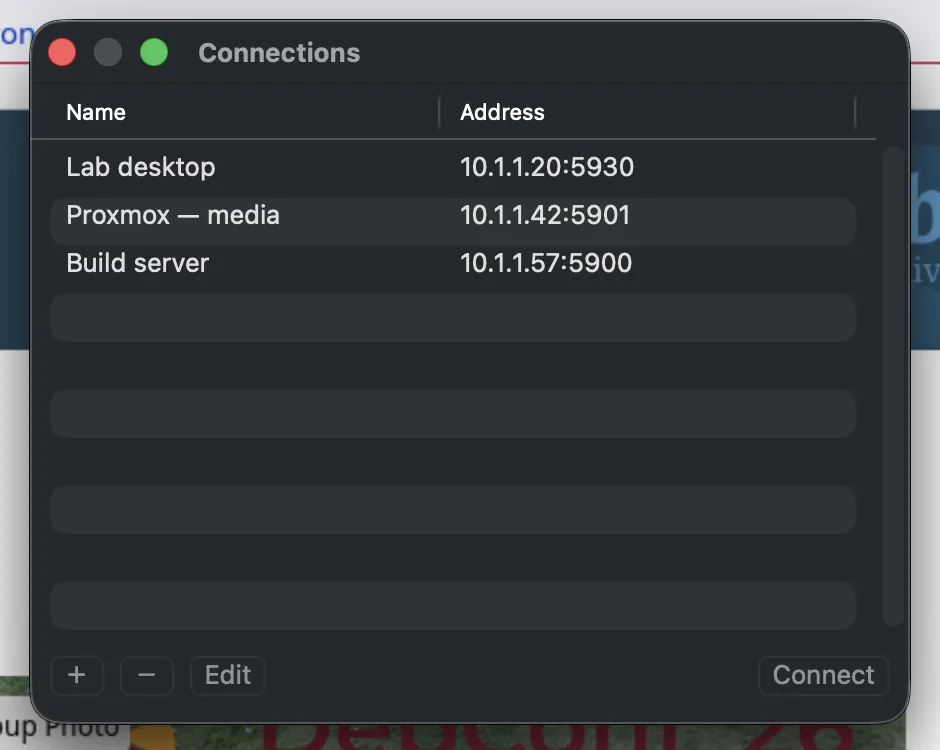
Name, host, port, password. That’s all you type. Passwords go in your Mac’s Keychain and nowhere else.
Running VMs on TrueNAS? Here’s the five-minute setup.
Why not remote-viewer?
The usual ways to get SPICE onto a Mac, and where each one stands.
- remote-viewer from Homebrew
- Free, and it opens .vv files. It isn't in Homebrew itself: the usual tap was last updated in 2023, compiles virt-viewer 11.0 on your Mac, and has open reports of crashes on copy and paste.
- remote-viewer from MacPorts
- Maintained, but remote-viewer itself compiles on your Mac, and its default GTK draws through X11, so you need XQuartz as well.
- The spice-space.org Mac download
- Remote Viewer 0.5.7, built in 2013, from before Apple silicon existed.
- UTM
- Excellent for running VMs on your Mac. It doesn't connect to the ones on your server.
What it doesn’t do, yet
Better you hear it here than after you buy.
- .vv files and Proxmox's Console button
- Saffron connects straight to a VM's SPICE port. On Proxmox that means giving the VM a port of its own.
- TLS
- The connection is plain SPICE. Use it on your LAN, over a VPN like Tailscale or WireGuard, or through an SSH tunnel.
- USB redirection and shared folders
- Display, keyboard, mouse, clipboard and sound are covered. USB and folders are not.
- Resizing the guest to fit
- The window follows the VM's resolution. Change it inside the guest and the window snaps to the new shape.
- Intel Macs
- Saffron is built for Apple silicon only: an M1 or later, on macOS 13 Ventura or newer.
Questions Mac people ask
- Do I have to buy it again for my Mac?
- No. Saffron SPICE is one universal purchase: US$7.99 once covers iPhone, iPad and Mac, and Family Sharing is on. No subscription, no in-app purchases.
- Which Mac key is which in the VM?
- Control is Ctrl, Option is Alt, the right Option key is AltGr, and Command is the Windows or Super key. Keys go by position, so the VM's own keyboard layout decides the characters.
- Can I run several VMs at once?
- Yes. Every connection gets its own window, and they tab together like any Mac app. Switch from the tab bar or the Window menu.
- Do my connections sync from my iPhone?
- No. Each device keeps its own list, with passwords in that device's Keychain. Nothing passes through us.
- Does it collect any data?
- No. The App Store privacy label says Data Not Collected. There is no account, and your Mac talks straight to your server.
On an iPhone or iPad? See Saffron SPICE with touch controls.
Pay once.
US$7.99 on the Mac App Store. Yours on Mac, iPhone and iPad, forever. No subscription, no account.